
Email is one of those tools we use every day without thinking much about it. We open our inbox in the morning, reply to a few messages, send an update, check a meeting invitation, and move on. At least, that is how it is supposed to work.
In reality, email can easily become one of the biggest distractions in a working day.
You may start your morning with a clear plan, only to open your inbox and discover messages waiting for your attention. One person needs a quick answer, another has sent a document for review, someone has followed up on yesterday’s email, and there are several newsletters sitting between everything else. Before you realize it, a large part of your morning has disappeared into reading, replying, searching, and switching between conversations.
That is why email and communication productivity in 2026 is not simply about responding faster. It is about creating a healthier way to communicate so that your inbox supports your work instead of controlling it.
Why Email Can Become a Productivity Problem
Email itself is not usually the problem. The problem is the way we interact with it.
When notifications appear throughout the day, your attention keeps moving from one thing to another. You might be writing a report when an email arrives. You check it for a few seconds, respond to it, and then try to remember where you were in your original task.
That interruption may seem harmless.
But repeated interruptions can make even simple work feel exhausting.
There is also another problem: every email creates a small decision. Should you answer it? Should you save it? Is it urgent? Does someone else need to be involved? Do you need to research something before responding?
The more messages you receive, the more decisions you have to make.
That is why improving email productivity is partly about reducing unnecessary decisions.
What Is Email & Communication Productivity?
Email and communication productivity means managing emails, messages, meetings, and other forms of digital communication in a way that saves time without sacrificing clarity or professionalism.
It is not about replying to every message immediately. It is also not about keeping your inbox perfectly empty all day.
The real goal is to make communication easier to manage while protecting enough time for focused work.
A productive communication system should help you:
- Find important messages quickly.
- Respond to requests without unnecessary back-and-forth.
- Reduce inbox clutter.
- Protect focused work time.
- Keep important conversations organized.
- Choose the right communication channel.
- Avoid unnecessary meetings.
- Communicate clearly and respectfully.
The idea is simple: communicate better without spending your entire working day communicating.
Don’t Let Your Inbox Decide What You Work On
One of the easiest habits to fall into is treating your inbox as your daily task list.
You see an unread message and feel that you should deal with it immediately. Then another message arrives, and suddenly your priorities are being determined by whoever happens to email you.
But the most recent message isn’t necessarily the most important task.
Your actual priorities may be completely different.
Instead of starting the day with the question, “What emails do I have?”, try starting with:
“What important work needs to be completed today?”
Once you know your priorities, you can decide when email fits around them.
This simple shift can make your workday feel much more intentional.
Check Your Email at Planned Times
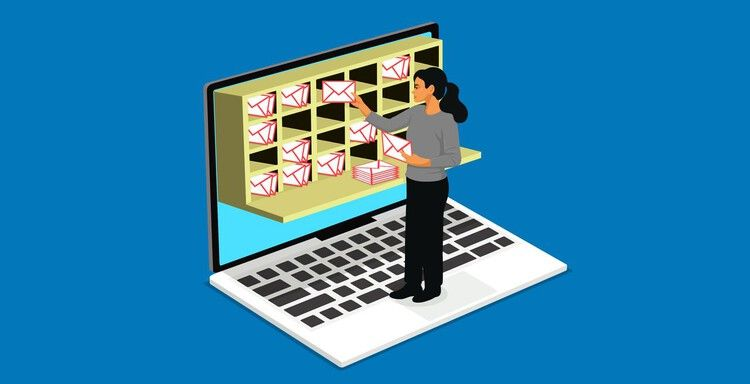
You don’t necessarily need to keep your inbox open every minute.
For many people, checking email at planned times works better than constantly reacting to notifications. You might check it in the morning, around midday, and again before finishing work.
Of course, this depends on your role. Someone working in customer support may need to monitor messages much more frequently than someone working on long-term projects.
The important thing is to find a schedule that matches your responsibilities.
Instead of asking:
“How often can I check email?”
Ask:
“How often do I genuinely need to check email?”
That distinction can make a surprisingly big difference.
Stop Expecting Yourself to Reply Immediately
Fast replies can be useful, but immediate replies are not always necessary.
Imagine you’re working on something that requires concentration and an email arrives asking for information that will take 20 minutes to research. If you stop your current work immediately, you may lose your focus and spend more time switching between tasks.
If the request isn’t urgent, it may be better to finish your current task first and respond during your next communication block.
A useful question is:
Can I answer this completely right now without disrupting something more important?
If yes, reply.
If not, schedule it for later.
Write Emails That Are Easy to Answer
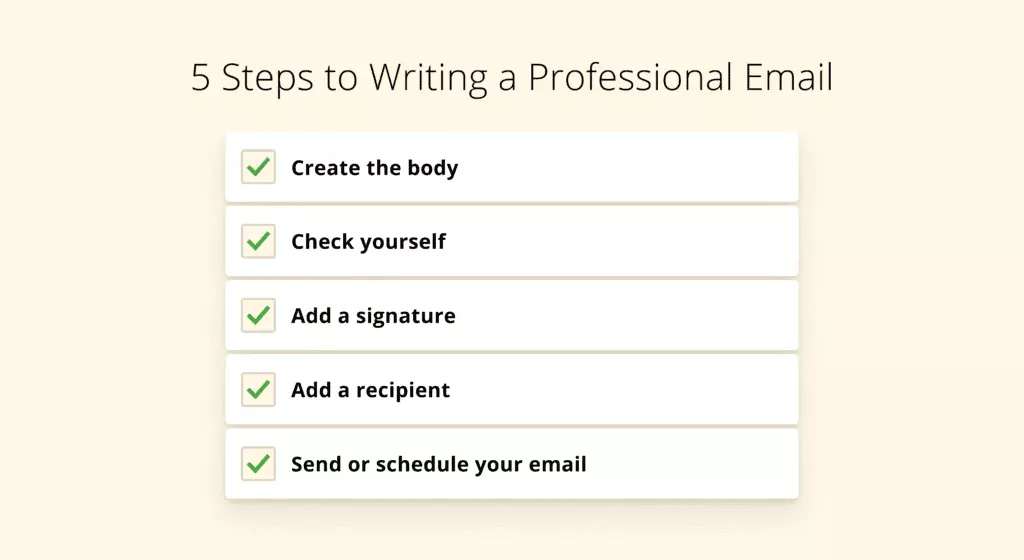
A good email should not make the recipient work unnecessarily hard to understand what you want.
Compare these two messages:
“Hi, can you please check this and let me know what you think?”
Now compare it with:
“Could you review the pricing section on page four and confirm whether the figures are correct by Thursday?”
The second message is much easier to answer.
It tells the recipient exactly what to look at, what you need, and when you need it.
When writing an important email, try to make these things clear:
- Context: Why are you writing?
- Request: What do you need?
- Deadline: When do you need it?
- Next step: What happens after the response?
You don’t always need all four, but including the relevant information can prevent unnecessary follow-up messages.
Use Better Subject Lines
A subject line is a small part of an email, but it can save a lot of time.
A subject such as “Update” doesn’t tell the reader much.
Something like “Project Update: Homepage Design Ready for Review” immediately gives context.
Useful subject lines can look like:
- Approval Needed: Final Website Copy
- Meeting Confirmation: Marketing Review
- Action Required: Review Q4 Budget
- Project Update: Launch Date Changed
- Document Request: Please Send Final Invoice
Think of the subject line as a label. A good label makes information easier to find later.
Keep Your Emails Clear, Not Artificially Short
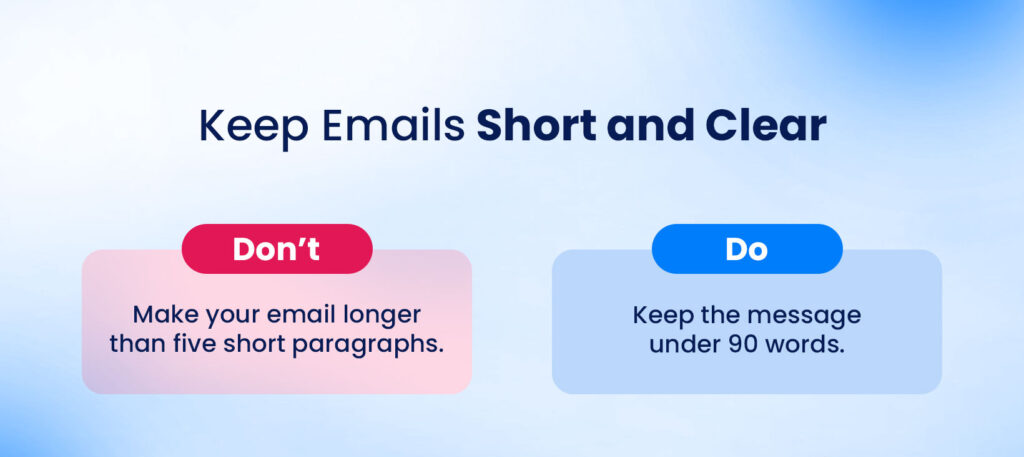
There is a difference between being concise and leaving out important information.
Some people try so hard to write short emails that their messages become confusing.
For example:
“Please review and confirm.”
Confirm what?
By when?
What happens afterward?
A slightly longer email that answers those questions can actually save time.
The goal isn’t to make every email as short as possible. The goal is to make it as clear as necessary without adding unnecessary words.
Don’t Bury the Main Request
If you’re asking someone to do something, don’t hide the request at the bottom of a five-paragraph explanation.
Give the reader the main point early.
For example:
“I’m writing to confirm the final delivery date for the project.”
Then provide the background.
This makes the email easier to scan, especially for people who are managing a busy inbox.
Use One Main Purpose Per Email
When an email contains too many unrelated requests, the recipient may answer only one of them and forget the rest.
If several requests are connected, organize them clearly.
For example:
Could you please help with these three items?
- Confirm the final deadline.
- Review the attached document.
- Approve the updated budget.
This is easier to follow than putting all three requests into one large paragraph.
If the topics are completely unrelated, consider sending separate messages or using a more appropriate communication channel.
Know When Email Is Not the Right Tool
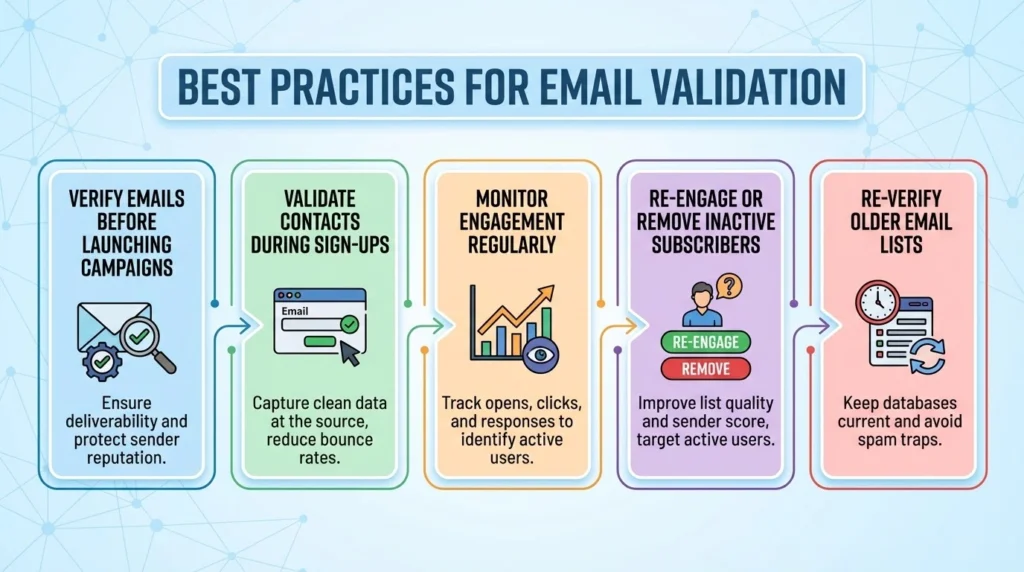
Not every conversation needs to happen through email.
Sometimes a short chat message is more practical. Sometimes a shared document is better. Sometimes a meeting is necessary because the subject requires discussion.
The key is choosing the communication method based on the situation.
Email works particularly well for:
- Formal communication.
- Information that needs a written record.
- Detailed instructions.
- Approvals.
- Documents and updates.
- Conversations that don’t require an immediate response.
A chat platform may work better for quick questions, while meetings can be useful for complex discussions and decisions.
Before sending an email, ask yourself:
“Is email actually the simplest way to solve this?”
Reduce Unnecessary Meetings
Email productivity is only one part of communication productivity.
Meetings can also take up a large portion of the working day.
Not every meeting is unnecessary. Good meetings can solve problems quickly, bring people together, and help teams make decisions.
But some meetings exist simply because nobody considered another option.
Before scheduling a meeting, ask:
- Does this require real-time discussion?
- Is a decision actually needed?
- Could the information be shared in writing?
- Does everyone invited need to attend?
- Is there a clear outcome?
If a five-minute written update can accomplish the same thing as a 30-minute meeting, the written update may be the better choice.
Create Templates for Repetitive Emails
If you frequently send similar messages, there is no reason to start from an empty screen every time.
Templates can be useful for:
- Meeting confirmations.
- Customer follow-ups.
- Project updates.
- Document requests.
- Appointment confirmations.
- Introduction emails.
- Feedback requests.
- Routine status updates.
A template should save time without making your communication sound copied and lifeless.
Keep the basic structure, then adjust the details for the person and situation.
A few seconds of personalization can make a big difference.
Clean Up Your Inbox
Sometimes the easiest way to improve productivity is to reduce the number of messages coming in.
Look through your inbox and ask yourself which emails you actually read.
If you have been ignoring the same newsletter for six months, there is probably a reason.
If certain notifications aren’t useful, turn them off.
If promotional messages are taking up space, unsubscribe.
A simple inbox cleanup can include:
- Unsubscribe from unwanted newsletters.
- Turn off unnecessary notifications.
- Create filters for predictable messages.
- Archive old conversations.
- Delete messages you no longer need.
- Keep important messages easy to find.
You don’t need to reach a mythical “perfect inbox.” You simply want an inbox that doesn’t create unnecessary mental noise.
Don’t Create Too Many Folders
Organization can become a productivity problem of its own.
It is easy to create folders for every possible situation:
Clients, projects, invoices, meetings, old projects, new projects, important documents, follow-ups, and so on.
Eventually, you spend more time deciding where an email belongs than actually using the information.
Keep your system simple.
A few broad categories are often enough:
- Action
- Waiting
- Reference
- Archive
Your email platform’s search function can handle much of the rest.
Use Search Instead of Manually Hunting for Old Emails
Modern email platforms usually make it easy to search through old conversations.
Instead of opening folder after folder, search using the sender’s name, a keyword, a project name, or a phrase from the original message.
This can be particularly helpful when you need to find an attachment or remember what someone said several months ago.
You don’t need to memorize where everything lives.
You need to know how to find it.
Protect Your Focus
There are certain tasks that simply cannot be done well when you’re constantly interrupted.
Writing, research, planning, analysis, coding, design, and other concentration-heavy work require uninterrupted attention.
When you’re doing this type of work, consider turning off non-essential notifications.
You don’t have to disappear for the entire day.
Even a focused 30-minute or one-hour block can give you enough uninterrupted time to make meaningful progress.
The important thing to remember is:
Not every message deserves immediate access to your attention.
Learn to Separate Urgent From Loud
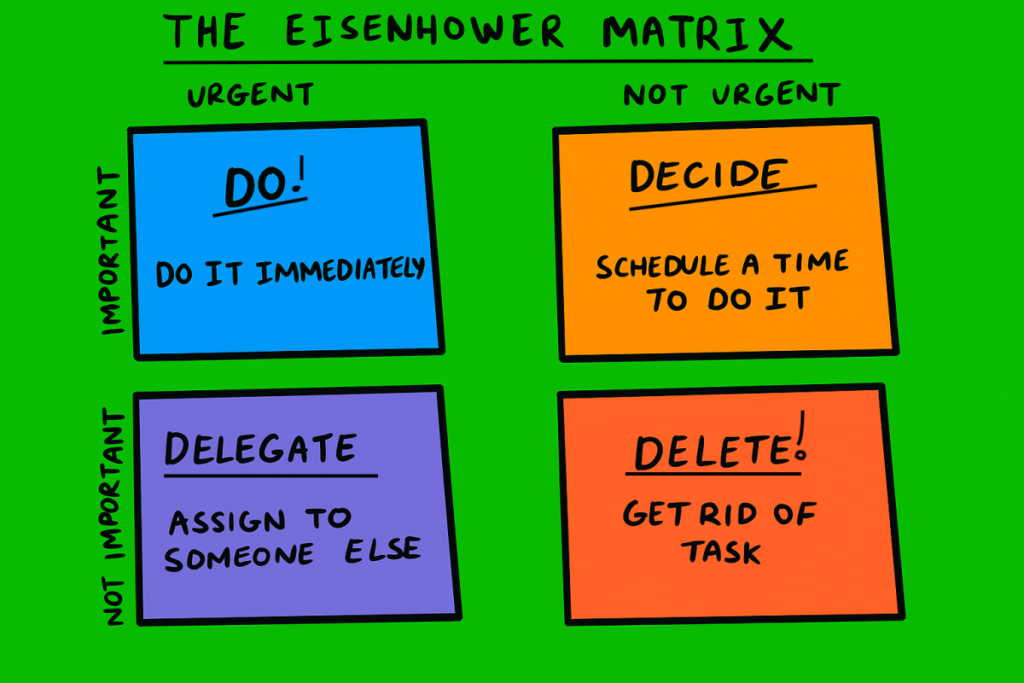
A message marked “URGENT” isn’t automatically urgent.
Sometimes it genuinely is.
Sometimes the sender simply wants a quick response.
Before interrupting important work, consider what happens if you respond later.
- Is there a real deadline?
- Is someone currently blocked?
- Is a customer waiting?
- Could delaying the response cause a serious problem?
- Or is this simply a preference for a faster reply?
Learning to separate genuine urgency from perceived urgency is one of the most useful communication skills you can develop.
Don’t Overuse “Reply All”
Reply All can be useful when everyone in the conversation needs your response.
But sometimes one person’s answer becomes everyone’s notification.
Before clicking Reply All, take a second to think about who actually needs the information.
If only one or two people need your response, send it directly to them.
This is a small habit, but in busy teams it can significantly reduce unnecessary inbox traffic.
Use “No Reply Needed” When Appropriate
Sometimes you are sending information simply to keep someone informed.
If you don’t need a response, say so.
A simple line such as:
“No response needed — sharing this for visibility.”
can prevent unnecessary replies.
It also removes uncertainty for the recipient.
They don’t have to wonder whether you are expecting them to acknowledge the message.
Don’t Send Follow-Ups Too Quickly
Waiting for a response can be uncomfortable.
You send an email and then start wondering why nobody has replied.
But two hours of silence doesn’t necessarily mean someone has ignored you.
They might be in a meeting, working on your request, dealing with another deadline, or simply away from their inbox.
Follow up when it makes sense for the situation.
For genuinely important deadlines, be clear about when you need an answer rather than repeatedly sending “Just checking in.”
Use AI Carefully in Communication
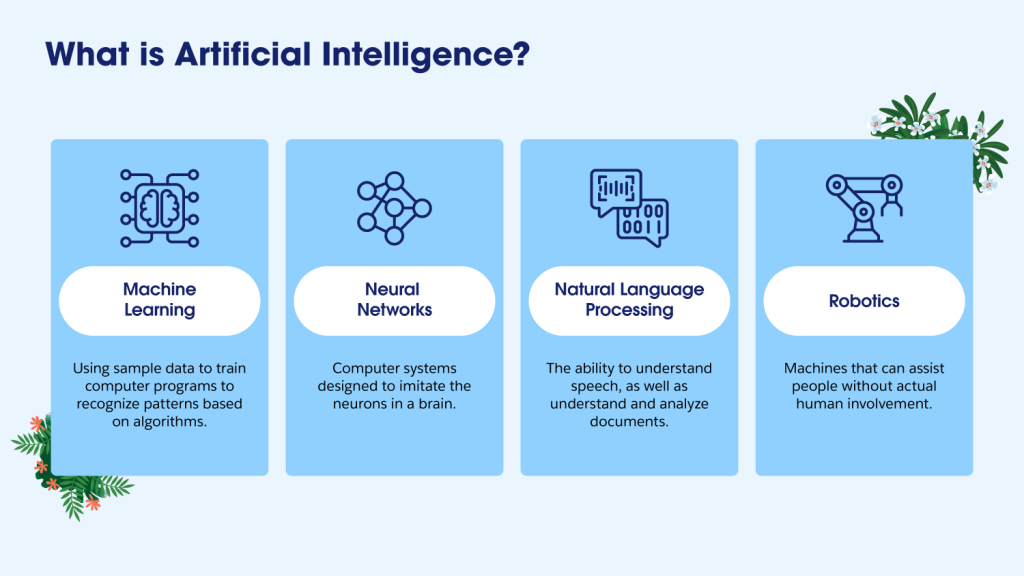
AI tools can be useful for communication productivity in 2026.
They can help summarize long conversations, organize rough notes, improve clarity, create first drafts, and reduce repetitive work.
But an AI-generated message should still receive a human review before it is sent.
Check:
- Facts and dates.
- Names and details.
- Tone.
- Confidential information.
- Unnecessary wording.
- The actual request.
- Whether the message sounds natural.
AI can help you write faster.
It should not remove your responsibility for what you send.
Keep Sensitive Information Safe
Productivity should never come at the expense of privacy.
Before forwarding an email, check who will receive it.
Before attaching a file, make sure it is the correct document.
Before using an external communication or AI tool, understand what information you are allowed to share.
Be particularly careful with:
- Personal information.
- Customer information.
- Financial details.
- Passwords or access credentials.
- Confidential company documents.
- Private business discussions.
A few seconds of checking can prevent a serious mistake.
Communication Should Still Feel Human
Technology has made communication incredibly fast.
But speed isn’t the only thing that matters.
A perfectly efficient message can still feel unpleasant if it sounds careless or dismissive.
Simple things can make communication feel more human.
Say thank you when someone helps.
Acknowledge delays when necessary.
Explain a change instead of simply announcing it.
If you made a mistake, own it.
If someone did excellent work, tell them.
These things don’t reduce productivity.
They improve the quality of working relationships.
Build a Daily Communication Routine
You don’t need a complicated productivity system.
A simple routine can be enough.
Start of the Day
Look at your priorities first.
Then check communication for anything genuinely urgent.
During Focused Work
Turn off unnecessary notifications and give yourself uninterrupted time.
Midday
Process routine emails and answer straightforward requests.
If something requires deeper work, schedule it rather than trying to solve everything immediately.
Afternoon
Review important conversations and send necessary follow-ups.
End of the Day
Check for anything that genuinely cannot wait.
Write down important tasks for tomorrow.
Then close your inbox and allow your workday to finish.
The exact schedule will differ from person to person. What matters is creating a predictable rhythm instead of constantly reacting to incoming messages.
A Quick Email Checklist
Before sending an important email, take a few seconds to ask:
- Is the purpose obvious?
- Is the subject line useful?
- Have I clearly stated what I need?
- Is there a deadline?
- Does the recipient have enough information to respond?
- Have I removed unnecessary details?
- Are the right people included?
- Did I check the attachment?
- Is the tone appropriate?
- Does this really need to be an email?
You don’t need to ask all ten questions every time.
For an important message, though, this quick check can prevent unnecessary confusion.
A Simple Example of Better Communication

Imagine you need a colleague to review a document.
Instead of writing:
“Hi, can you please check this document and let me know?”
You could write:
“Hi Priya, could you review the pricing section on pages 3–4 and confirm whether the figures are correct? If possible, please send me your feedback by Thursday afternoon so I can finalize the document.”
The second message is only slightly longer, but it is much more useful.
The recipient knows exactly what to review, what kind of response you need, and when you need it.
That is what productive communication looks like.
The Goal Isn’t Inbox Zero
Inbox Zero can be useful for some people, but it shouldn’t become another source of stress.
Your inbox doesn’t have to contain zero unread messages for you to have a productive day.
What matters is knowing what requires action and what doesn’t.
A healthy communication system should give you a sense of control.
You should be able to look at your inbox and understand:
What needs my attention?
What can wait?
What am I waiting for?
What can I ignore?
Once you can answer those questions, the exact number of emails in your inbox becomes much less important.
Final Thoughts
Email and digital communication are now a normal part of almost every modern working environment. We cannot—and usually don’t need to—avoid them.
What we can change is the way we interact with them.
You can stop checking your inbox every few minutes. You can write clearer emails. You can use better subject lines. You can unsubscribe from messages you never read. You can question whether a meeting is really necessary. You can protect periods of uninterrupted work.